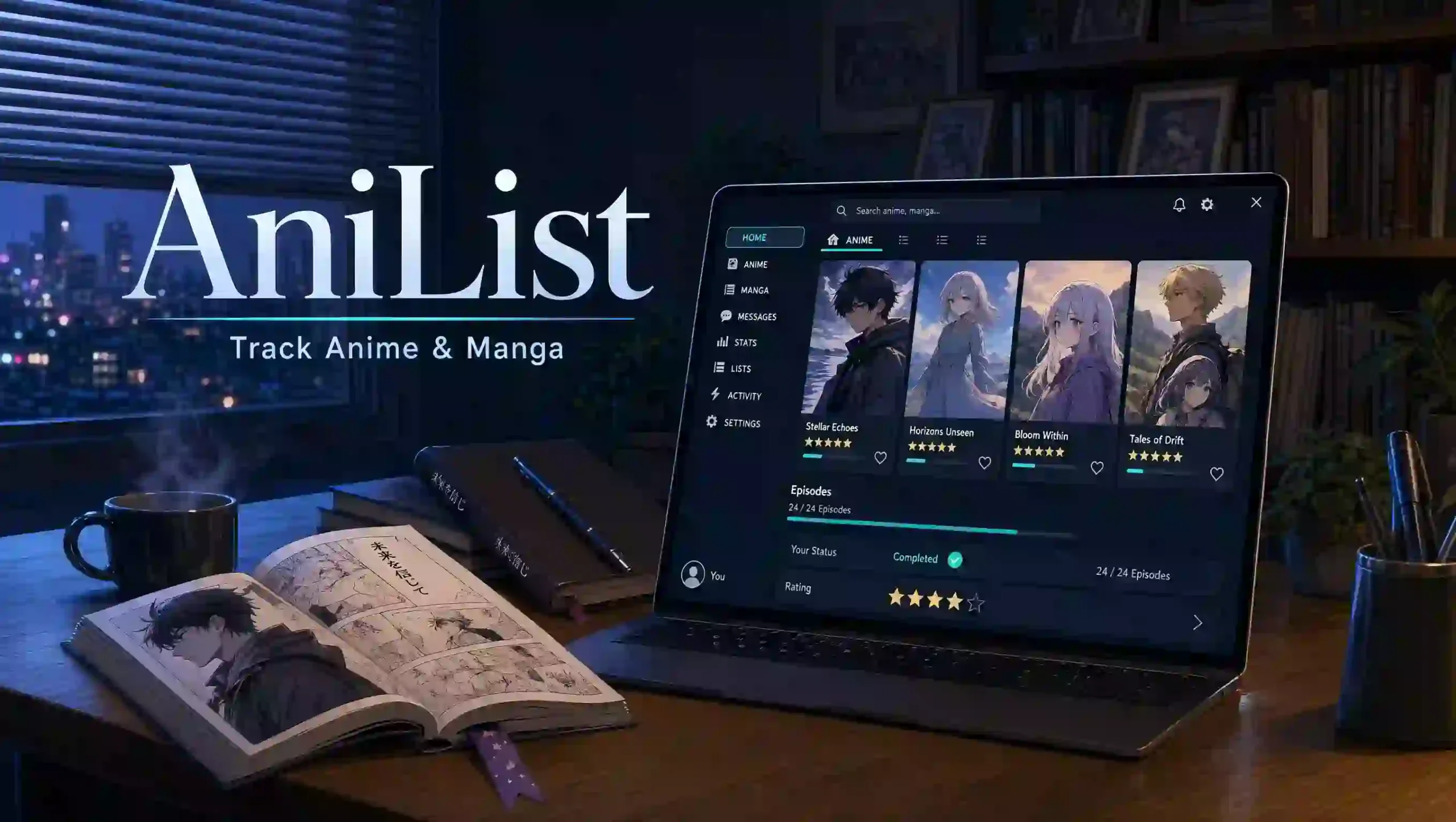
Forgetting your last anime episode or manga chapter can turn a relaxing hobby into a guessing game. A scattered watchlist makes it harder to finish good stories, avoid repeat searches, or remember a friend’s recommendation. AniList brings your progress, ratings, and discovery tools together, so you can spend less time sorting titles and more time enjoying them.
What Is AniList, and What Can You Do With It?
AniList is an anime and manga database, personal tracker, and social platform. You can record episode and chapter progress, organize titles by status, rate what you finish, and discover stories through searches and community recommendations. It is a catalog and tracking service, not an anime streaming library. [1][2]
Think of it as a reading journal and watchlist in one place. Instead of remembering that you stopped somewhere in a long series, you record the last episode or chapter you completed.
The database adds context to your lists through information about titles, characters, and people involved in their creation. The official documentation describes a catalog curated by data teams with community submissions and information traceable to sources such as production companies and licensors. [2]
Who Benefits Most From an Anime and Manga Tracker?
A tracker helps when your memory no longer keeps up with your interests. You do not need a huge collection, a public profile, or detailed ratings to make one useful.
It suits several common habits:
- Weekly viewers: Remember your progress across several ongoing shows.
- Manga readers: Keep chapter and volume counts separate.
- Returning fans: Find your place after a long break.
- Careful planners: Save recommendations without starting everything at once.
- Curious explorers: Compare genres, formats, and community opinions.
- Social fans: Discuss stories and discover people with similar tastes.
Start with the problem you actually have. If you only forget episode numbers, use progress tracking first and leave advanced scoring or profile customization for later.
Which Features Matter Most? A Detailed Comparison Table
The platform combines progress tracking, discovery, customization, and community features. This table explains their practical value and the limits worth remembering. [1][2]
| Feature | What it records or provides | Practical benefit | Important limit or habit |
|---|---|---|---|
| Anime progress | Episodes completed for a selected entry | Resume at the right point | Match the correct season or version first |
| Manga progress | Chapters read and a separate volume count | Track different reading formats clearly | Chapter numbers and volume numbers are not interchangeable |
| List status | Current, planning, completed, paused, dropped, or repeating | Separate active titles from future plans | A status describes your progress, not the story’s quality |
| Personal scores | Several scoring formats | Compare your own reactions over time | Other users may apply completely different standards |
| Custom lists | Additional groups you name | Organize titles around your own needs | Extra categories create extra maintenance |
| Entry notes | Text attached to a list entry | Save context for your future self | Check visibility before writing anything sensitive |
| Start and finish dates | Dates associated with your progress | Keep a clearer viewing or reading history | Leave uncertain dates blank rather than inventing them |
| Search filters | Genres, tags, year, season, format, and airing status | Narrow a large catalog into a manageable shortlist | Broad tags still cover very different stories |
| Community features | Conversations and recommendations | Hear why a title appeals to another person | Avoid discussions that reveal material you have not reached |
| Personal statistics | Summaries of recorded activity and preferences | Notice patterns in your habits | Missing entries make the picture incomplete |
| Mobile access | Browser access and compatible client apps | Update progress away from your computer | App features and maintenance vary |
| Public API | Structured access to catalog and permitted account data | Support custom tools and connected apps | Authentication rules and service limits still apply |
Choose the smallest set of features that solves your problem. A simple list you update beats an elaborate setup you stop using.
How Do You Create an Account and Set Up Your First List?
To start using AniList, create an account through the official website and check your settings before adding a large collection. Choose a clear username, protect the account with a unique password, and review the available privacy and display options.
Use this setup order:
- Create your account: Use an email address you can access for account recovery.
- Choose a title format: Pick the available naming style you recognize most easily.
- Select a scoring system: Start with a simple format if detailed ratings feel unnecessary.
- Review visibility: Understand what your profile and individual list entries expose.
- Add one familiar title: Check its format, season, and episode or chapter details.
- Save your current progress: Record only what you have actually finished.
Do not spend your first session rebuilding every viewing memory. Add your active titles first, then expand your history when it helps you.
How Do Anime Watchlists and Progress Statuses Work?
A list status answers one question: where are you with this title? The documented categories cover current viewing or reading, future plans, completion, breaks, abandoned titles, and repeat visits. [2]
Use them consistently:
- Current: You are actively watching or reading.
- Planning: You intend to start later.
- Completed: You finished the relevant entry.
- Paused: You stopped for now and expect to return.
- Dropped: You stopped before finishing and do not currently plan to continue.
- Repeating: You are watching or reading the entry again.
Record the last completed episode, not the next episode you intend to watch. If you finish episode seven, save seven; your next viewing session begins with episode eight.
Check the entry before marking a series complete. A franchise can contain separate seasons, films, specials, or adaptations, so finishing one entry does not necessarily mean finishing the whole story.
How Do You Track Manga Chapters and Volumes Correctly?
Manga tracking needs a little more care because chapters and volumes measure different things. A chapter is a story segment, while a volume collects material into a book.
The documented list fields support chapter progress and a separate volume count. Update the field that matches what you know instead of treating both numbers as the same measurement. [2]
For example, reading through chapter 35 does not mean reading 35 volumes. If you read digital chapters and do not know their collected volume, keep the chapter count accurate and leave the volume count alone.
Watch for numbering differences between editions or reading services. Save a brief note when an extra chapter, bonus story, or alternative numbering system could make your return confusing.
How Can You Find Better Anime and Manga Recommendations?
AniList helps you narrow choices through search filters and community recommendations. Begin with the kind of experience you want, then use catalog details to test whether a title fits. [1]
Try this discovery process:
- Choose a mood: Decide whether you want comfort, suspense, comedy, or something demanding.
- Set a time limit: Pick a film, a shorter series, or a longer commitment.
- Apply useful filters: Narrow by genre, format, release year, season, or status.
- Read the premise: Check whether the central idea interests you.
- Compare reasons: Look for recommendations that explain the similarity rather than merely naming another title.
A shared genre does not guarantee a shared experience. Two fantasy series can differ sharply in pacing, humor, violence, and emotional weight.
Keep your shortlist small enough to use. Saving three strong candidates gives you a clearer next step than collecting dozens of titles without knowing why you added them.
What Do Seasonal Listings and Airing Dates Tell You?
Seasonal listings help you explore titles grouped around a release period. They are useful for finding current shows and planning what you might follow next. [1]
Treat a Japanese airing schedule and local streaming availability as separate facts. A listed broadcast date does not guarantee that a licensed service in your country will publish an episode at the same time.
AniChart is a related seasonal discovery service, and the official developer documentation states that both products use the same API. That connection helps explain their shared catalog context without making either service a streaming provider. [2]
For a practical seasonal plan, shortlist a few titles and decide how much weekly viewing time you want. Check the relevant broadcaster or licensed distributor when you need a confirmed release time for your region.
How Should You Use Ratings Without Letting Scores Choose for You?
Use ratings as clues, not instructions. A community score describes other people’s responses; your personal score records your own.
The documented formats include a 100-point scale, whole-number and decimal 10-point scales, five-star scoring, and a three-reaction smiley system. Choose the format you can apply consistently. [2]
A simple personal rubric might look like this:
- Highest scores: You strongly enjoyed the title and would recommend it for clear reasons.
- Middle scores: You enjoyed parts of it but found meaningful weaknesses.
- Lowest scores: The experience did not work for you.
- No score: You have not seen enough, cannot remember clearly, or prefer not to rate it.
You do not owe every title a number. A short note about pacing, characters, or atmosphere can explain your reaction more clearly than a precise-looking decimal.
When reading another person’s review, check what they value. Someone who dislikes slow pacing may reject the exact kind of thoughtful series you want.
How Can Custom Lists and Notes Keep Your Collection Useful?
Default statuses show your progress, while custom lists add a second layer of organization. The official documentation includes custom list names, entry notes, and optional advanced scoring fields. [2]
Choose categories that support real decisions:
- Short shows for a busy week.
- Films to watch with friends.
- Manga to buy in print.
- Favorites worth revisiting.
- Titles waiting for a complete release.
Avoid creating a category for every possible detail. If a list does not help you choose, remember, or organize something, it probably adds work without adding value.
Write notes for your future self. “Stopped after episode six; return when I want a slower drama” tells you more than a vague reminder such as “finish later.”
What Do Your Viewing and Reading Statistics Really Mean?
Statistics help you notice patterns in the activity you record. The official product overview highlights information about viewing habits, genres, and voice actors. [1]
Read those summaries in context. Your records may exclude older favorites, unfinished titles, offline reading, or seasons you never added.
Missing information changes the picture. A high average score could mean you carefully choose what to finish, while a lower average could reflect broader experimentation rather than a worse experience.
Use statistics to ask better questions instead of chasing bigger totals. You might discover that you keep planning long series but consistently enjoy shorter stories more.
How Can You Join the Community Without Spoiling Stories?
Community features can turn a private list into a source of useful conversations and recommendations. The platform’s official overview describes social interaction and sharing as part of the service. [1]
Protect the experience for yourself and others:
- State how far you have watched or read before asking a question.
- Use available spoiler controls for plot details.
- Keep major reveals out of visible opening lines.
- Explain your opinion without attacking another person’s taste.
- Leave a discussion when it covers material you have not reached.
Ask specific questions to get better recommendations. “I want a short mystery with a complete ending” gives other fans much more to work with than “What should I watch?”
You can also keep participation minimal. A useful tracker does not require frequent posts, public debates, or a large following.
How Do You Move an Existing List From Another Service?
Start any migration by protecting the original list. Export your data from the old service, retain an untouched copy, and check the destination’s current import options before uploading anything.
For a move from MyAnimeList, review its export options and then check the tracker’s current list-import screen for accepted formats. Do not assume a file from every service will work or that every field will transfer.
Use this migration checklist:
- Save separate anime and manga exports where your source service provides them.
- Read the importer’s instructions and warnings.
- Compare several familiar titles after the transfer.
- Check episode counts, chapter counts, statuses, and scores.
- Inspect notes, custom categories, and dates separately.
- Keep the original account and backup until the result satisfies you.
Watch for different catalog entries, naming conventions, or scoring formats. A successful upload does not prove that every item matches correctly.
Can You Use the Service on a Phone or Tablet?
AniList supports an app ecosystem across platforms, and its official homepage highlights apps for iOS, Android, macOS, and Windows. You can also use the website through a compatible mobile browser. [1]
Check an app’s developer, update history, privacy information, and recent feedback before connecting it. A client that accesses your account is not automatically operated or maintained by the platform itself.
Test a small change before relying on synchronization. Update one title in the app, then confirm that the website shows the correct progress.
Do not assume every client includes the same features or works offline. If offline editing matters, check how that particular app handles queued changes and conflicting updates.
Is AniList Safe, and Which Privacy Settings Matter?
AniList provides account-based tracking, social features, and access through connected applications. Its published privacy policy explains the personal data it processes, but a policy alone cannot establish that any online service is risk-free. [2][3]
Review privacy before sharing a detailed history. The documentation includes a private setting for individual list entries; confirm the current behavior rather than assuming that it hides every related activity or profile detail. [2]
Use these precautions:
- Create a unique password and store it securely.
- Avoid putting your full name, address, school, or daily routine in public text.
- Check visibility before adding sensitive notes.
- Review connected applications and remove access you no longer need where controls allow.
- Keep local copies of records you would not want to lose.
Connected apps deserve particular care. The authentication documentation states that access tokens provide almost full access to a user’s data because the service does not support narrow permission scopes. Only authorize applications you trust. [2]
The published policy prohibits use by children under 13 and describes parental or guardian assistance for minors. Developer guidance also warns that catalog and community content may include adult material and that filtering is not guaranteed to catch everything. [2][3]
What Does the API Do for Apps and Developers?
An API lets software request data or carry out permitted actions. This service uses GraphQL, which allows developers to specify the information their application needs. [2]
The official documentation distinguishes public catalog requests from account actions. Reading publicly available anime or manga data does not require authentication, while changing a user’s list or accessing their private data does. [2]
For a personal project, begin with a small read-only feature, such as a title search. Add account authorization only when the feature actually needs it.
Follow the current developer terms and service limits before releasing a tool. Do not promise uninterrupted access: the documentation explains that outages can lead to reduced limits or temporarily suspended API access. [2]
What Should You Check When Something Does Not Work?
First identify the scope of the problem. A failed login, a missing title, and an app synchronization error need different checks.
Work through the relevant issue:
- Login trouble: Check the username or email you entered and use the official recovery process.
- Progress not updating: Reload the website and compare it with the connected app.
- Missing title: Try another title spelling and confirm whether you are searching anime or manga.
- Wrong entry: Compare the release year, format, season, and adaptation.
- App authorization failure: Check whether the app needs you to sign in again.
- Possible outage: Look for an official service announcement before changing your setup.
Avoid repeated imports or rapid bulk edits while you investigate. Extra changes make it harder to tell which records are correct.
If you request help, describe the steps that caused the issue and include the device or app involved. Never share your password or an access token in a public support message.
How Does It Compare With Other Anime Trackers?
AniList is worth considering if you want anime and manga tracking alongside discovery, customization, and community features. Whether it is your best choice depends on the workflow you prefer, not a universal ranking of platforms. [1][2]
If you already use MyAnimeList, Kitsu, or Anime-Planet, compare them with the same practical test. Add a familiar title, update progress, find a recommendation, and check how easily you can retrieve your information.
Ask five questions:
- Can I find the correct title without confusion?
- Can I update progress quickly on my main device?
- Does the scoring system suit me?
- Can I understand the privacy and app-access controls?
- Can I preserve or move my records when needed?
Your friends’ preferred service may also matter if discussion is a priority. If you mainly need a private progress log, social activity may have less influence on your choice.
What Do “ani list,” “anlist,” and “annielist” Mean Here?
If you arrived after searching “ani list,” “anlist,” or “annielist,” this guide covers AniList, the anime and manga tracking platform. These search spellings do not establish that a similarly named website or app belongs to the official service.
Check the operator before creating an account or connecting an application. Similar branding is not proof of ownership, endorsement, or safe access to your data.
What Does a Simple Weekly Tracking Routine Look Like?
A useful routine takes less effort than reconstructing your progress weeks later. Make a small update after a viewing or reading session, then review your active list once a week.
Try this sequence:
- Record the last episode or chapter you completed.
- Move finished entries to completed.
- Move inactive entries to paused or dropped as appropriate.
- Add one short note where future context matters.
- Choose what you genuinely want to continue next.
For example, imagine you follow two weekly shows and one manga. Updating those three entries regularly gives you a dependable record without requiring a detailed diary.
Keep your planning list separate from a commitment. You can save an interesting title without promising yourself that you will finish it.
Frequently Asked Questions
Is AniList free to use?
Yes. AniList offers free core anime and manga tracking, including lists and progress records. Check any separate third-party app for its own pricing, purchases, or subscription terms before installing it.
Can I watch anime directly on the platform?
No. It is a database, tracker, and community service, not a streaming library. Use a licensed provider to watch episodes, and check availability in your country.
Can I track anime and manga in the same account?
Yes. One account can maintain anime and manga lists. Anime progress records episodes, while manga tracking supports chapters and a separate volume count. [2]
Do I have to rate every title?
No. You can use a tracker to record progress without making ratings the center of your routine. Score a title when you have a clear opinion, or leave it unscored.
Will an imported list preserve every detail?
Do not assume it will. File compatibility, catalog matching, and field support affect a migration, so compare a sample of entries and keep your original export until you verify the result.
What is the difference between paused and dropped?
Paused means you stopped for now and expect to return. Dropped means you stopped before finishing and do not currently plan to continue. You can change either choice if your plans change. [2]
Build a List That Makes Your Next Choice Easier
Start with one title you are watching or reading now. Add the correct entry, record your progress, and choose a status that matches your plans.
AniList becomes more useful when your records reflect your actual habits, not an ideal version of them. You do not need perfect statistics, elaborate ratings, or an enormous collection to get value from it.
Choose one small action today: update a forgotten episode count, clear an outdated plan, or save a recommendation with a reason. Then ask yourself which feature would make your next viewing or reading session easier.